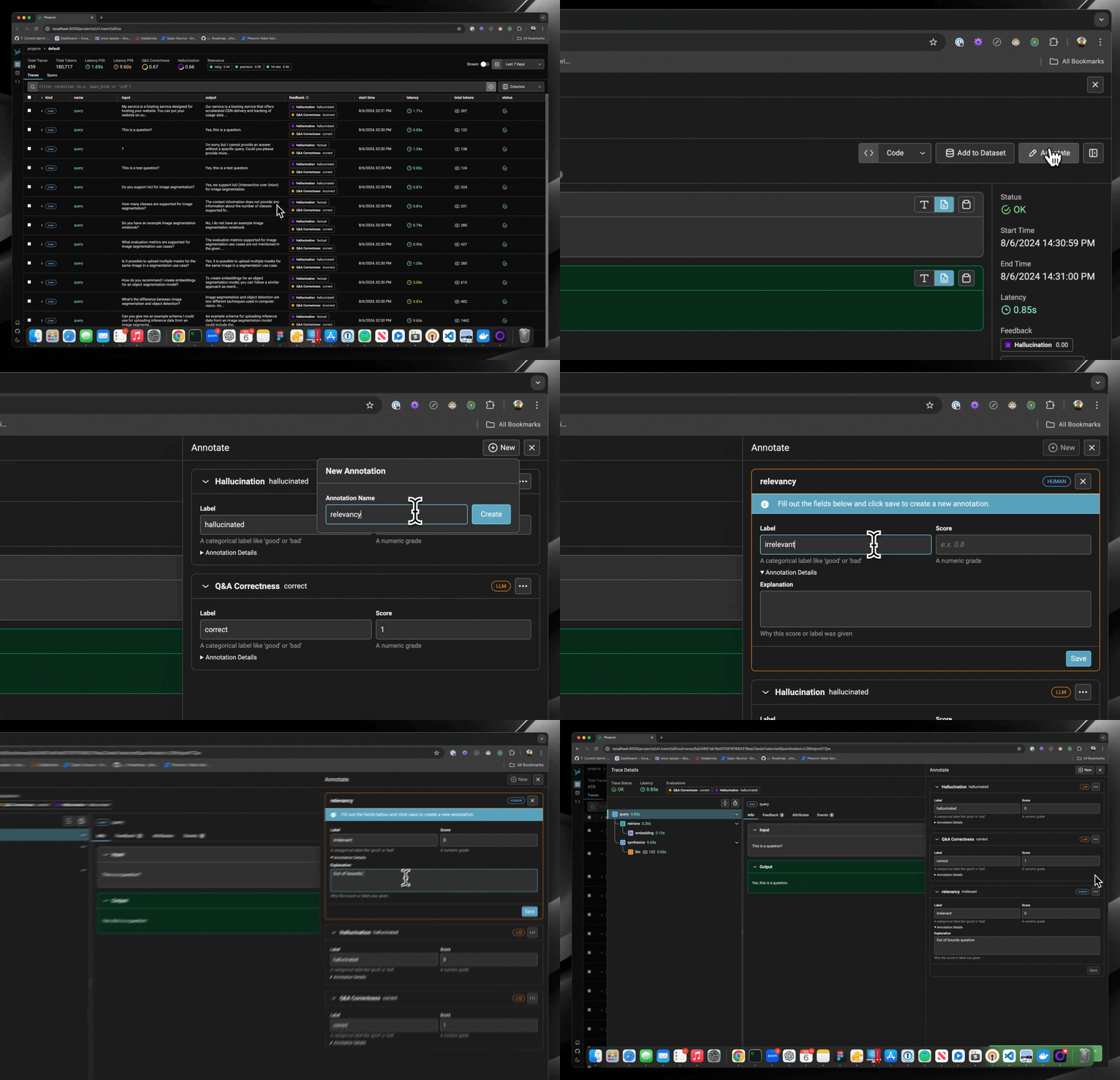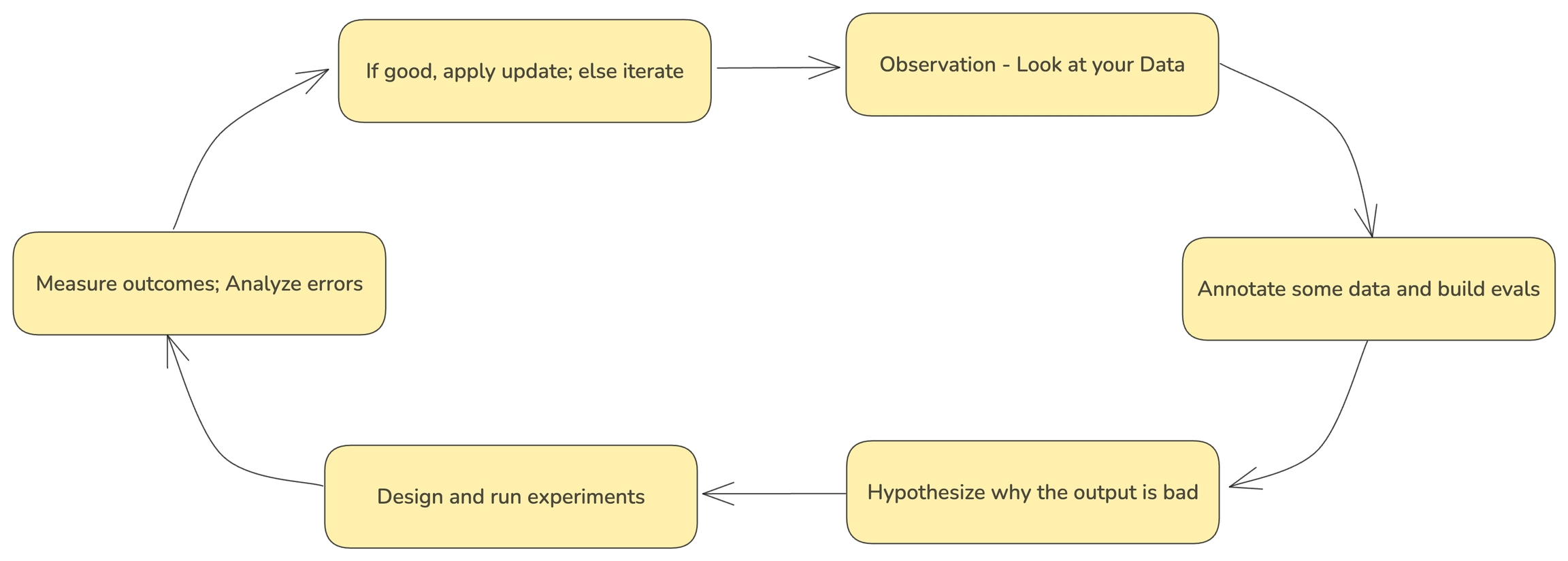
Annotating traces is a crucial aspect of evaluating and improving your LLM-based applications. By systematically recording qualitative or quantitative feedback on specific interactions or entire conversation flows, you can:
-
Track performance over time
-
Identify areas for improvement
-
Compare different model versions or prompts
-
Gather data for fine-tuning or retraining
-
Provide stakeholders with concrete metrics on system effectiveness
Phoenix allows you to annotate traces through the Client, the REST API, or the UI.
Guides#
-
To learn how to configure annotations and to annotate through the UI, see Annotating in the UI
-
To learn how to add human labels to your traces, either manually or programmatically, see Annotating via the Client
-
To learn how to evaluate traces captured in Phoenix, see Running Evals on Traces
-
To learn how to upload your own evaluation labels into Phoenix, see Log Evaluation Results
For more background on the concept of annotations, see Annotations