

NPM Version
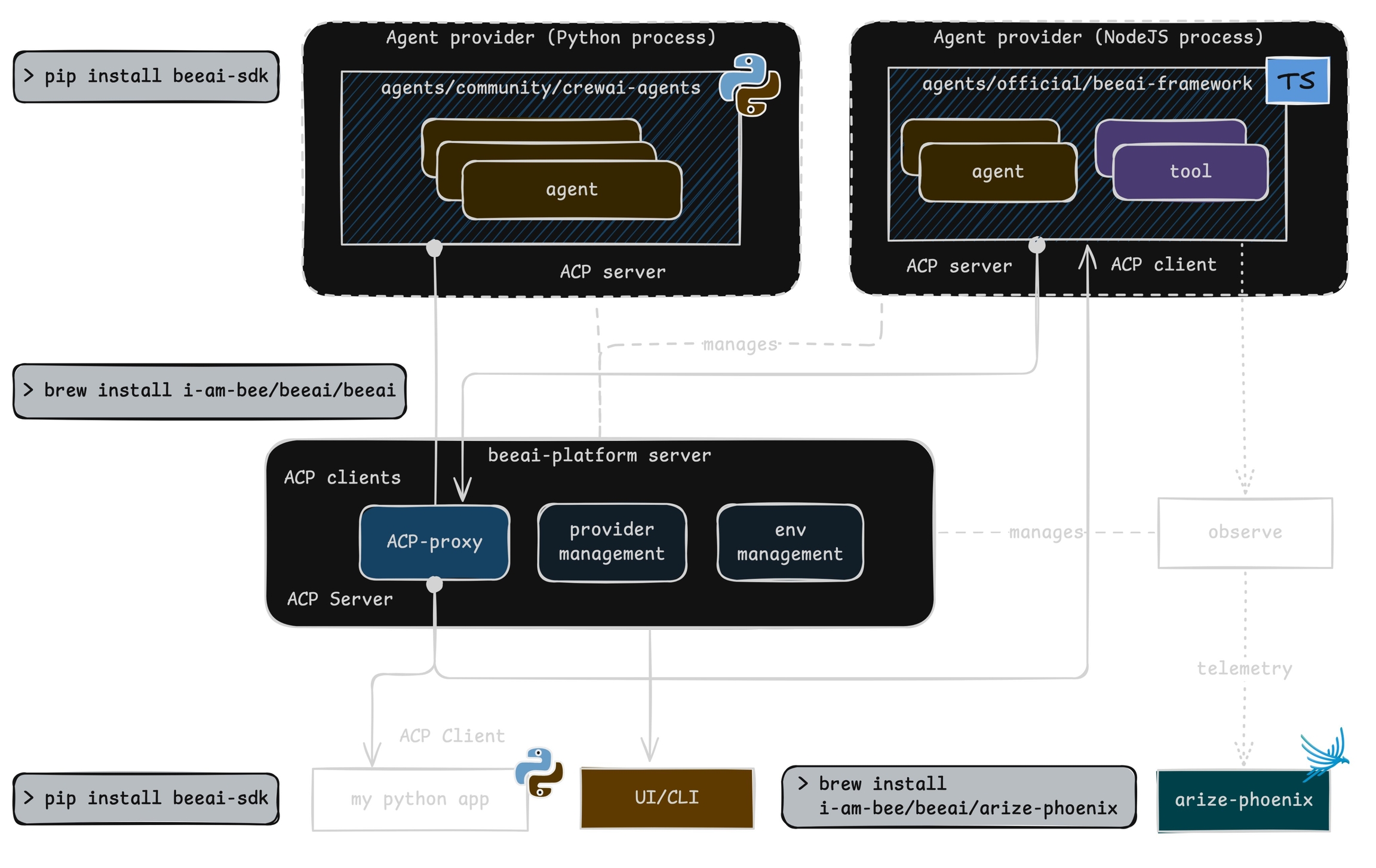
This module provides automatic instrumentation for BeeAI framework. It integrates seamlessly with the @opentelemetry/sdk-trace-node package to collect and export telemetry data.
Install#
Setup#
To instrument your application, import and enable BeeAIInstrumentation. Create the instrumentation.js file:
Run BeeAI#
Sample agent built using BeeAI with automatic tracing:
Observe#
Phoenix provides visibility into your BeeAI agent operations by automatically tracing all interactions.

Troubleshooting#
Add the following at the top of your instrumentation.js to see OpenTelemetry diagnostic logs in your console while debugging:
If traces aren’t appearing, a common cause is an outdated beeai-framework package. Check the diagnostic logs for version or initialization errors and update your package as needed.
Custom Tracer Provider#
You can specify a custom tracer provider for BeeAI instrumentation in multiple ways: